Over 40 years of business travel
experience at your service
Over 40 years of business travel experience at your service
Over 40 years of business travel experience at your service
Wayte Travel app
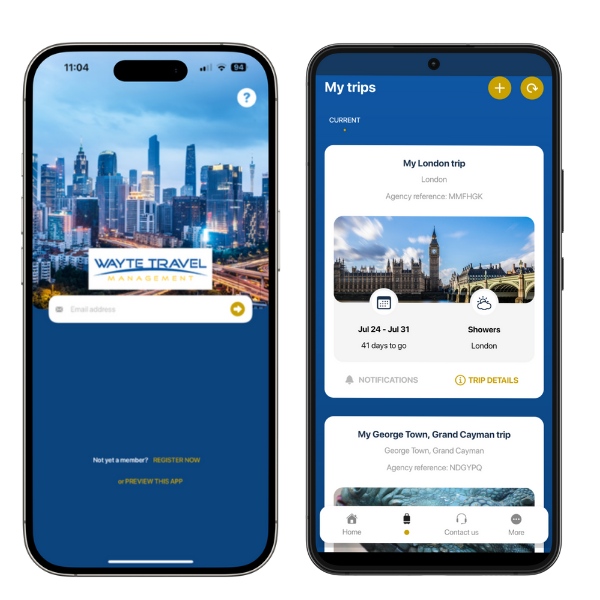
Wayte Travel Management have a state-of-the-art mobile phone application available to all of our clients via Apple’s App Store and Android’s Google Play store.
Pre trip
- Live data inputted from Wayte’s booking systems into the mobile app, automatically updated
- Company specific traveller resources held within the app including travel policies and ability to update travel profiles
- Information regarding the upcoming trip including visa / entry requirements of your destination and weather reports
- Links to check in to your flight and download your boarding pass to your mobile phone
During trip
- Push notifications alerting the traveller of any cancellations / disruption as well as important information regarding check in and boarding gates
- Traveller tracking / duty of care enhancements include the ability for travellers to share their live location with colleagues and check in when arriving at their destinations (optional)
- Modules such as currency conversion, translation services and maps/directions are available to use whilst away
Direct links to contact your dedicated member of the Wayte Travel team, or our 24/7 out of hours service whilst away
User guide
We’ve created an initial user guide which can be found here.
Download the app
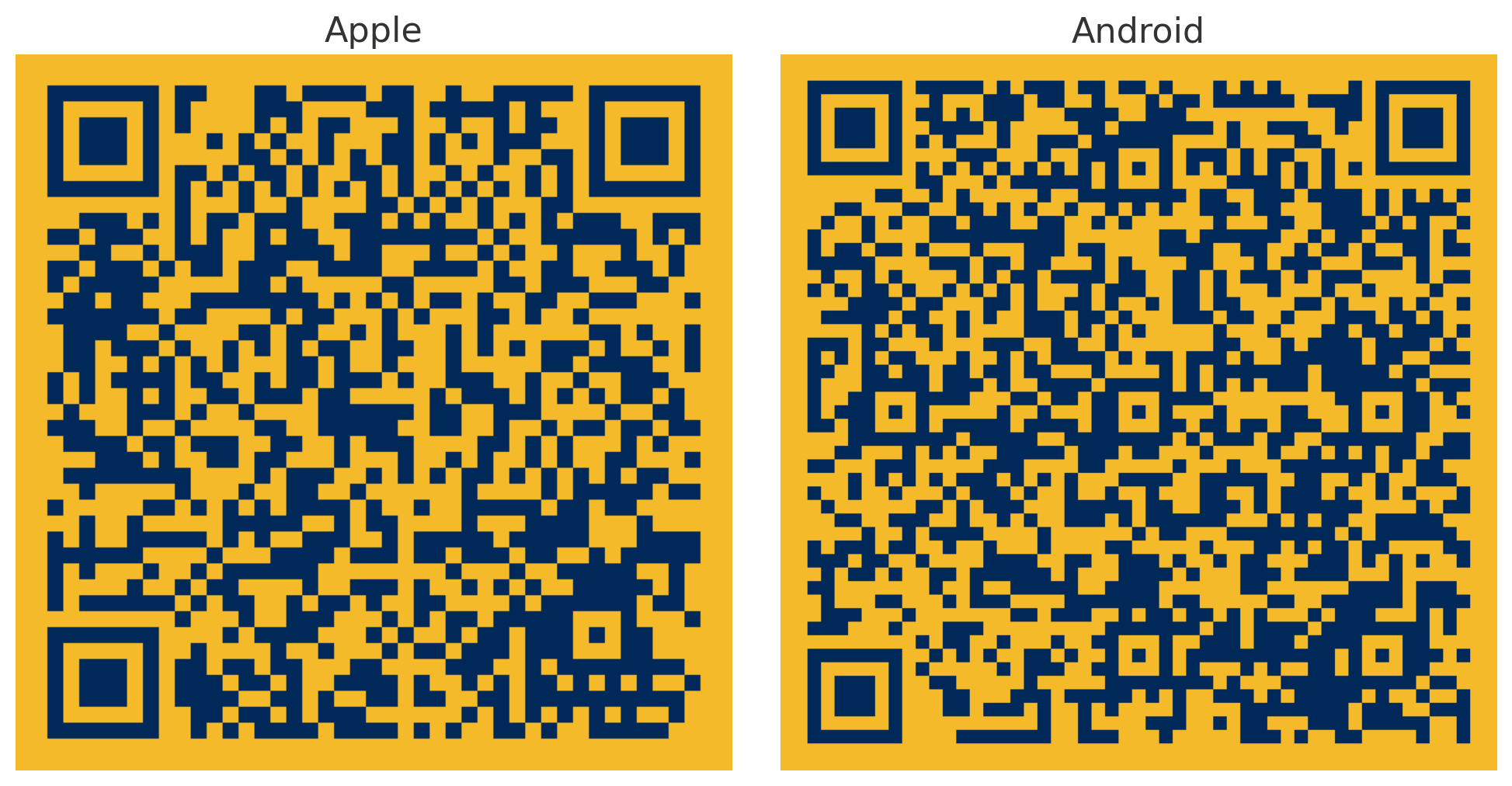
The Wayte Travel App is available on both Apple’s App Store and Android’s Google play store.


FAQs
Does the app work on every device?
- The app is available on both Apple and Android phones, there is a minimum requirement of operating systems of 16.0 on Apple and 13.0 and up on Android
Why is my trip not appearing?
- Check what email address is used for registration, if not the one Wayte have on file, please notify your consultant.
- If you registered using your work email, then have proceeded to ‘sign in with Apple’ this may be linked to your personal account instead.
- There is a short delay of processing time, if your trip isn’t visible after an hour please check with your consultant
- You can ‘pull down’ to refresh, your trips may appear now.
- If your trip was booked before downloading the app and is not appearing, please let the consultant know, who will be able to link it to your account.
Can I change the app settings?
- You can edit the settings within the app by clicking ‘more’ and ‘settings’ this includes the ability to change the automatic logout period as well as activating biometric logins including face id and fingerprints depending on your device.
Can I add notes to a trip?
- Once in the trip view, click on the ‘More’ button to display all the options, in here click ‘memos’ which allows you to leave notes about the trip, these memos can be seen by anyone with access to the trip, i.e the traveller and the arranger and will also email the relevant individuals with the details.
Contact options
Contact form
Stoke-on-Trent Office
3-5 Glebe Street
Stoke-on-Trent
Staffordshire
ST4 1HS
(+44)1782 412431
Jersey Office
18 Britannia Place
Bath Street
St Helier, Jersey
JE2 4YS
(+44)1534 626500
London Office
40 Gracechurch Street
London
EC3V 0BT
Wayte Travel (+44)20 8810 0888
QCTM (+44)20 3073 6657
US Office
Operating EST Time Zone
Wayte Travel (+1)917 398 5280
Business Hours
Monday - Friday 08:30 - 17:30
Out of Hours (emergencies only) call applicable office number above
Jersey Registered Company No 95503
© 1998- Wayte Travel Management Ltd, All Rights Reserved
Privacy Policy | Cookie Policy | Sustainability Policy | Travel Agency Policy